Apple Health can collect years of useful data, but getting that data into a format you can actually work with takes far too much effort. I built SyncFit to put the export path in your hands: choose the metrics you care about, choose where they should go, and keep a copy you can open outside any one app.
Your data, in useful formats
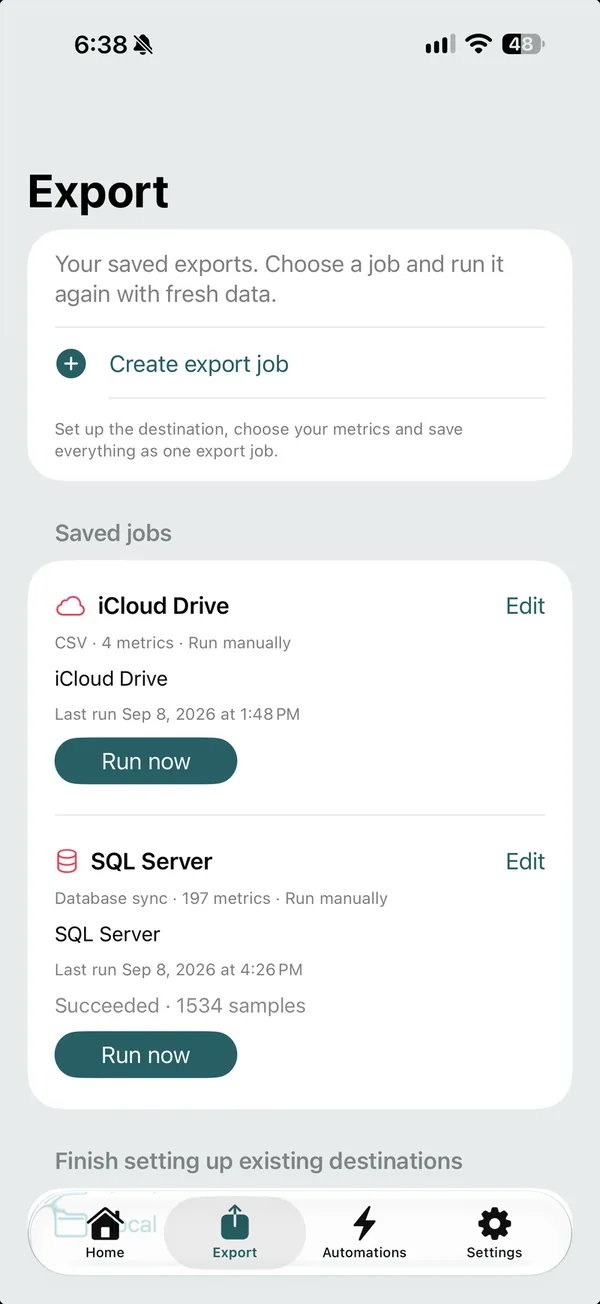
SyncFit lets you select from more than 190 Apple Health metrics and export them as CSV or JSON. You can save a job and run it again with fresh data, or set up automations so the export keeps moving. Destinations include files, iCloud Drive, your own API and databases. The point is simple: your health history should be usable in the tools you already trust.
A clearer view on your Mac
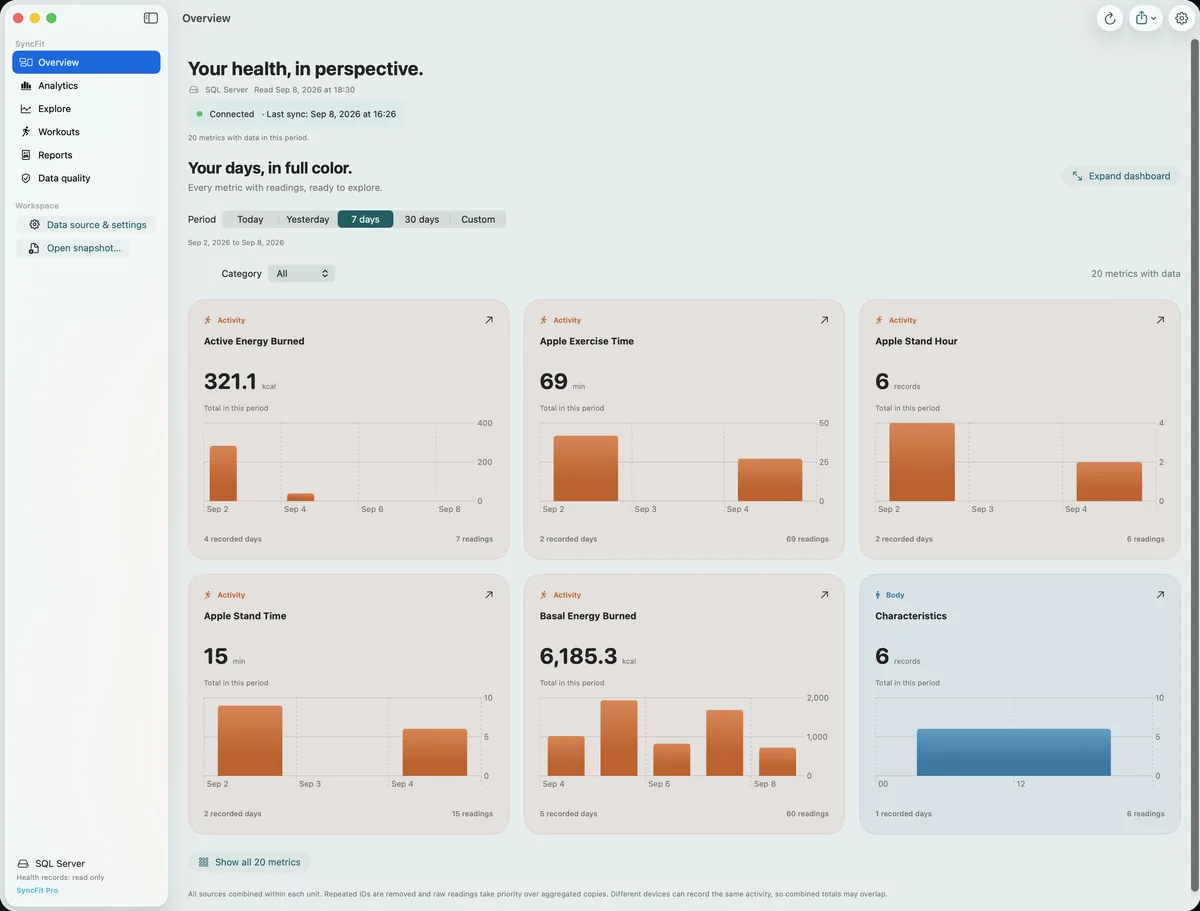
The Mac app turns exported records into dashboards, trends and individual metric views. You can explore the history behind a number, add notes and tags, and create PDF or HTML reports when you need to share a useful summary. The iPhone app handles the Apple Health connection and saved export jobs; the Mac gives the data room to breathe.
Where to find SyncFit
You can see the full workflow and get the iPhone and Mac apps at syncfitapp.com. SyncFit is a one time purchase with no subscription.