The small Mac utilities are often the ones you reach for most: a screenshot tool, a clipboard manager, a way to switch audio devices, something to keep the machine awake. Collect enough of them and your menu bar becomes its own maintenance project. MacToys puts more than 50 of those tools in one native app, ready from a single menu bar icon.
One place for the everyday jobs
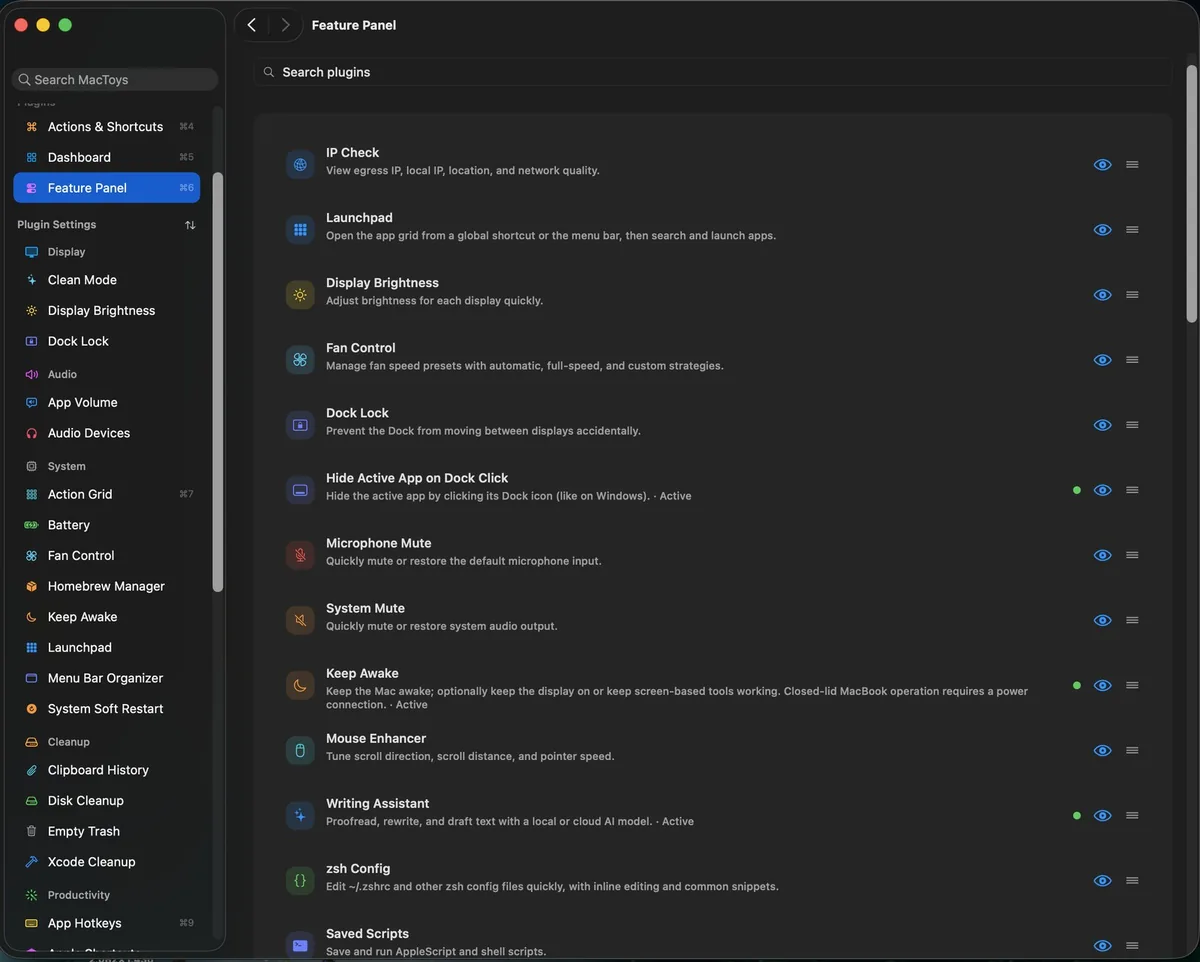
MacToys covers screenshots and annotation, clipboard history, battery health and charge limits, audio switching, system readouts, Keep Awake and more. There are tools for Finder actions, app launching, disk cleanup and shortcuts too. The feature panel keeps the full list searchable, so you can find what you need without remembering which separate utility you installed for it.
Give the menu bar its space back
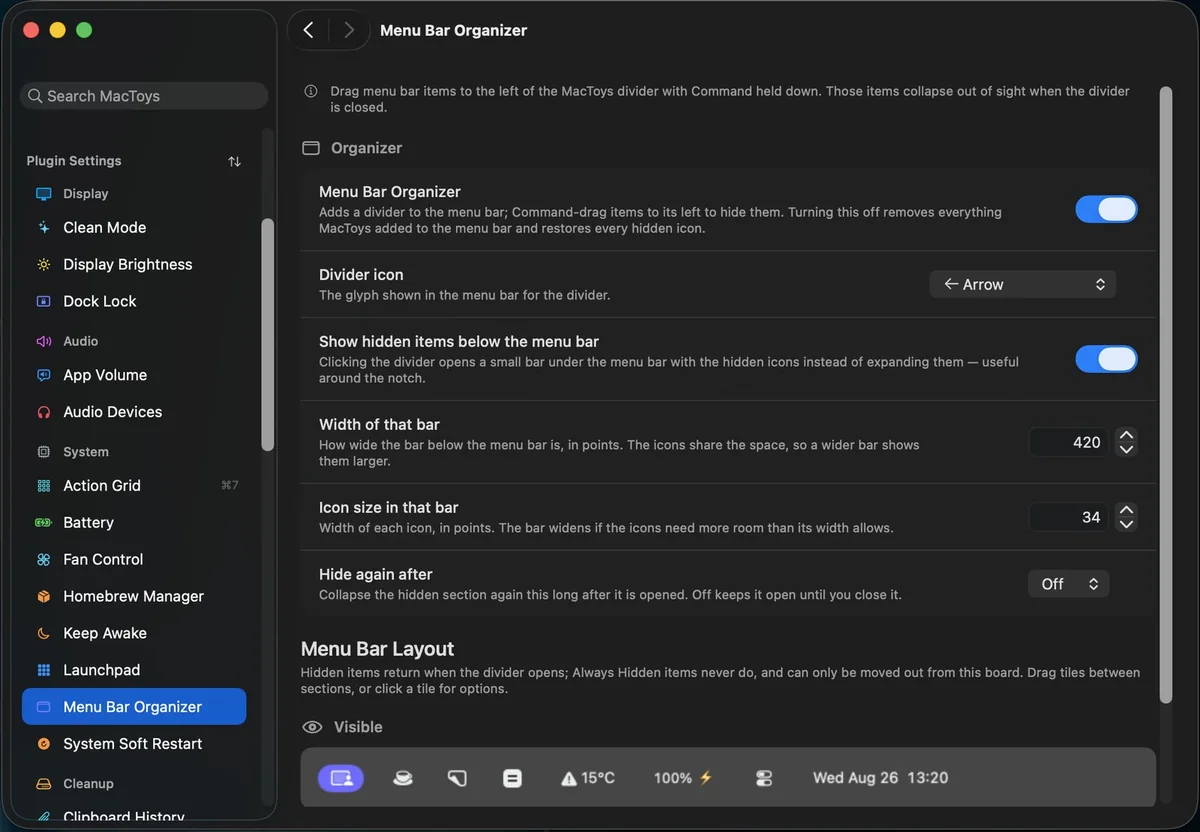
The menu bar organiser is one of the most practical parts. It lets you move less important icons behind a divider and bring them back when you need them. The same app also gives you a live dashboard for your Mac and connected devices, including battery levels, system activity and quick controls.
Where to find MacToys
MacToys is available at mactoys.app. It runs on macOS 14 or later on Apple Silicon and Intel Macs. There is a seven day free trial, then a $9.99 one time purchase with updates included.