Plenty of us have gone to the trouble of keeping our own music collection on our own server, and then spent years putting up with a player that treats it like an afterthought. That was the itch behind JellyAmp: a proper native player for a Jellyfin music server, on iPhone, iPad, Mac, Apple Watch and Android, that feels like it belongs on the device you are holding.
A proper player for a Jellyfin library
It does the things you would expect a music app to do, and it does them well. Your artists, albums, playlists and songs laid out art first, search that answers before you finish typing, a real now playing screen with queue management, scrubbing, synced lyrics and AirPlay 2, and background playback that keeps going when the screen is off. You can download whole albums or single tracks for offline listening, so your commute does not depend on your server being reachable. There is CarPlay on iPhone and Android Auto on Android, ten colour themes in light or dark, and if you point it at an Audiobookshelf server your audiobooks sit right alongside the music with chapters and synced progress.
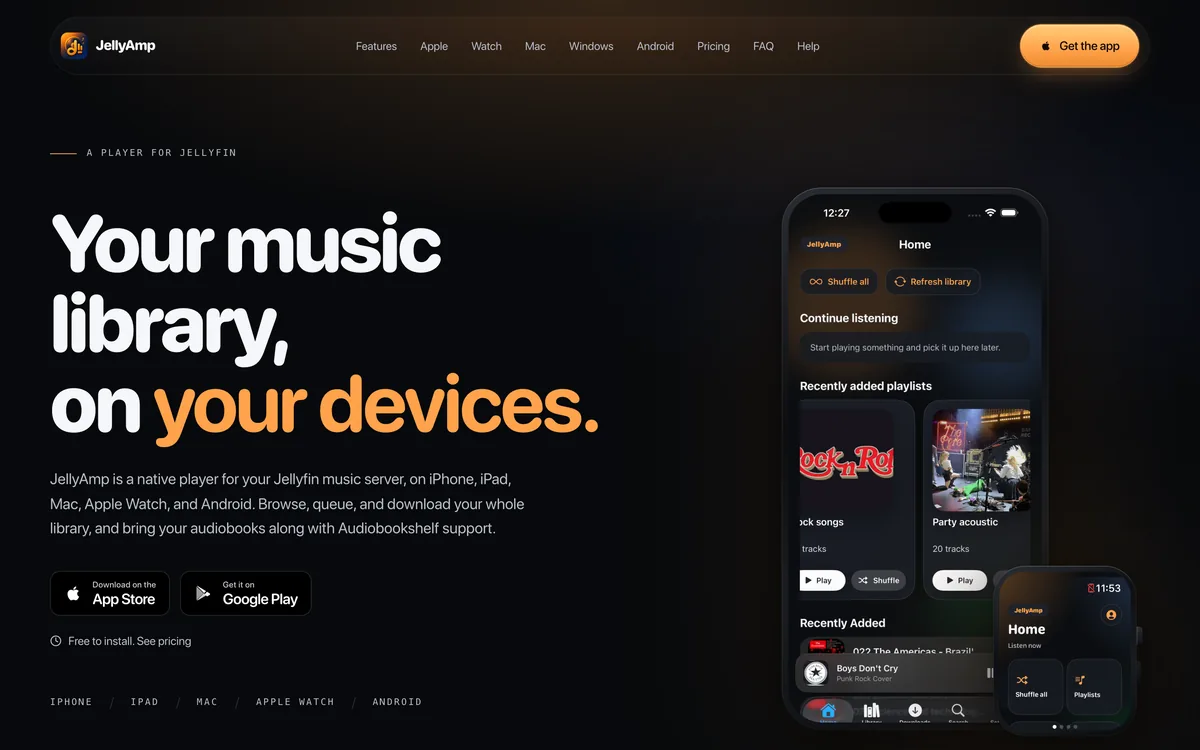
A real music app on the Apple Watch
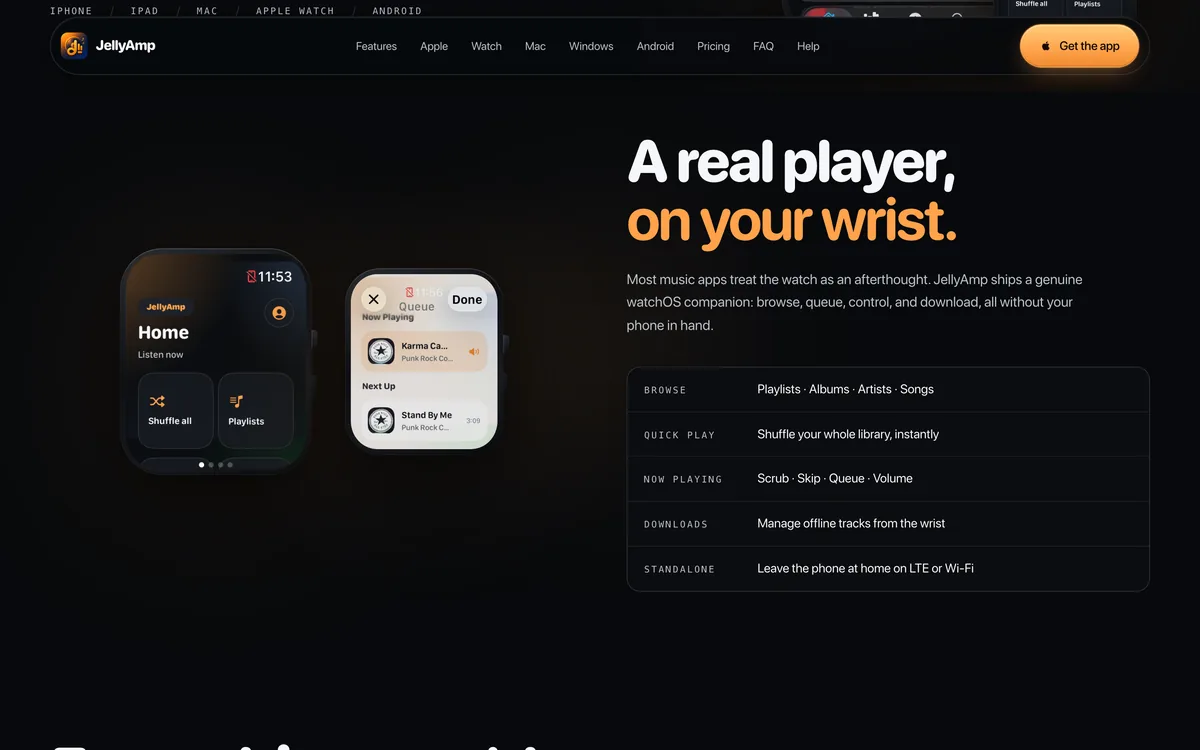
The part I am most pleased with is the Apple Watch app. Most players give the watch a play and pause button and call it a day. JellyAmp ships a genuine watchOS companion: browse your playlists, albums, artists and songs, shuffle the whole library, manage the queue, and download tracks straight to the watch so you can go out for a run with no phone at all.
Where to find JellyAmp
You can find it, along with the pricing and the answers to the questions people usually ask, at jellyamp.app. It is free to install with a short trial, and one purchase covers the whole Apple side of things, iPhone, iPad, Mac, Apple Watch and CarPlay together.