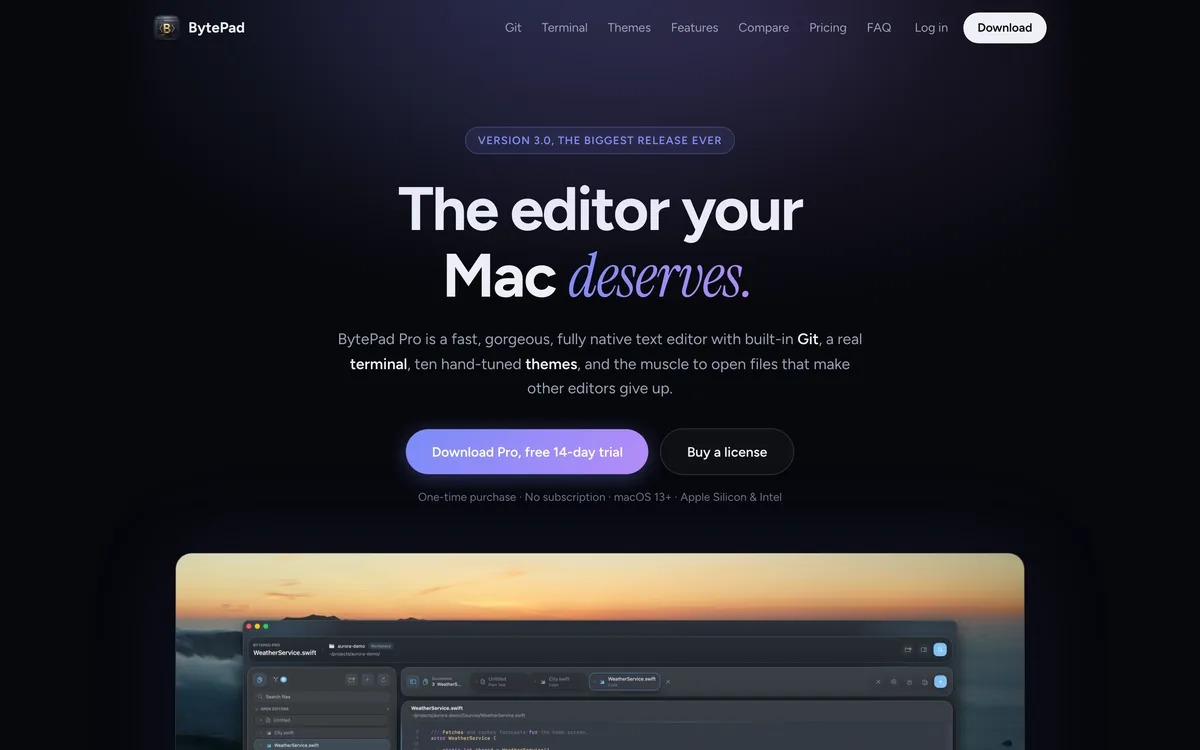
Most of the editors we open every day are not really Mac apps. They are a browser wearing a costume, and you feel it every time one takes a few seconds to launch, chews through your battery, or quietly gives up on a log file that happens to be large. BytePad is my answer to that: a genuinely native macOS editor that launches instantly, stays out of your way, and looks like it belongs on the machine you paid for.
A whole project in one window
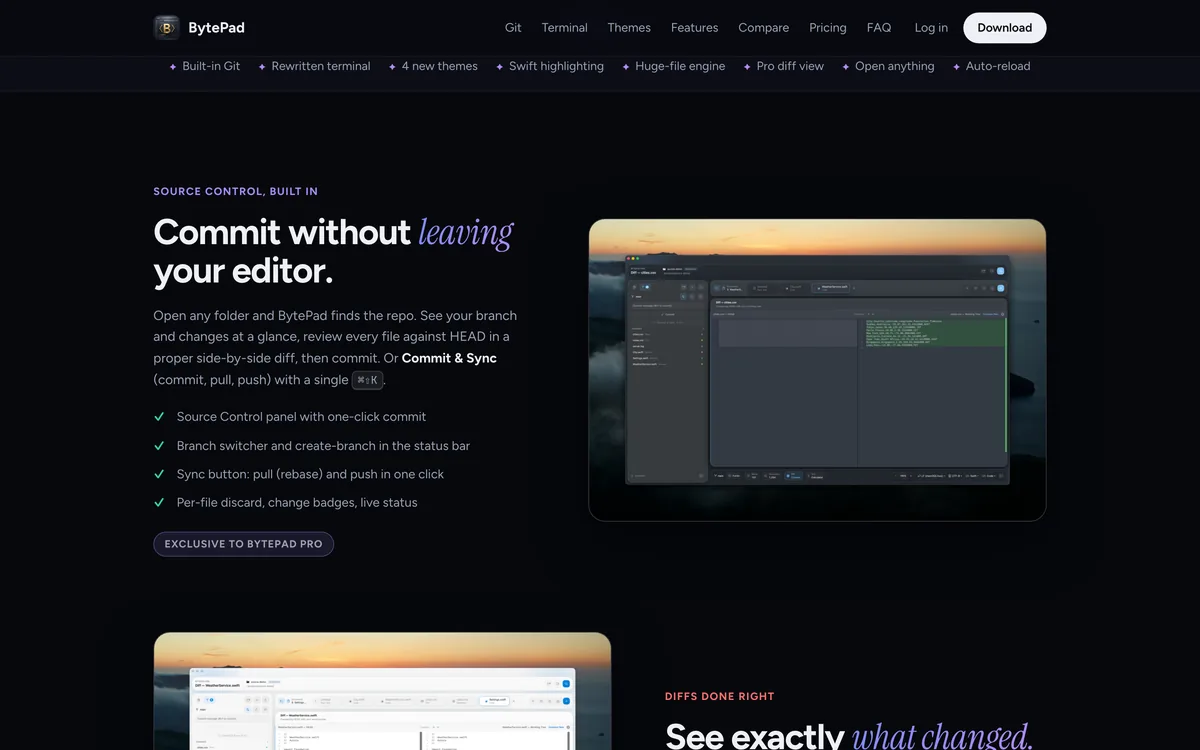
It grew well past a text editor. There is source control built in, so you open a folder, BytePad finds the repo, and you can review every change in a proper side by side diff and commit without leaving the window. There is a real terminal a keystroke away, sitting in your project directory, the kind where vim and htop simply work. Add syntax highlighting for nineteen languages with automatic detection, a command palette, and a large file engine that opens gigantic logs and exports instantly, and most of the reasons to alt tab somewhere else quietly disappear.
Not just for code
I use it as much for writing as for programming. Markdown gets a live side by side preview, a formatting toolbar and one click export to PDF. CSV files open as an actual editable table instead of a wall of commas. There is a text calculator, so typing something like a percentage or a currency conversion into a note gives you the answer on the same line. Because it is a true native app, Apple Intelligence Writing Tools work on any selection with no plugin and no copy and paste. And there are ten themes, each with a light and a dark variant, that retint the entire window rather than just the code.
Where to find BytePad
BytePad lives at bytepad.app. It is a one time purchase with no subscription, it runs on macOS 13 and later on both Apple Silicon and Intel, and there is a fourteen day trial if you want to see how it handles your own projects first.